RCS for Nonprofits: A Richer Way to Text Supporters

Your supporters are not ignoring you because they stopped caring. They're tuning you out because everything on their phone is fighting for the same few seconds. Email gets buried. Social feeds bury you on purpose. So the message that moves people is the one that actually reaches them, where they already are.
That's why RCS matters now. And there's real news: RCS is no longer an "Android thing." Apple added RCS support to the iPhone in iOS 18, so for the first time, nearly every supporter can receive a rich, interactive message right in their default texting app. ⚠ (Verify iOS version claim before publishing — Apple added RCS in iOS 18.)
Want to see it instead of read about it? You can send a live RCS message to your own phone in about ten seconds. See what your donors see — try the live RCS demo. No app. No signup. Just your number and one message.
What is RCS? (the short version)
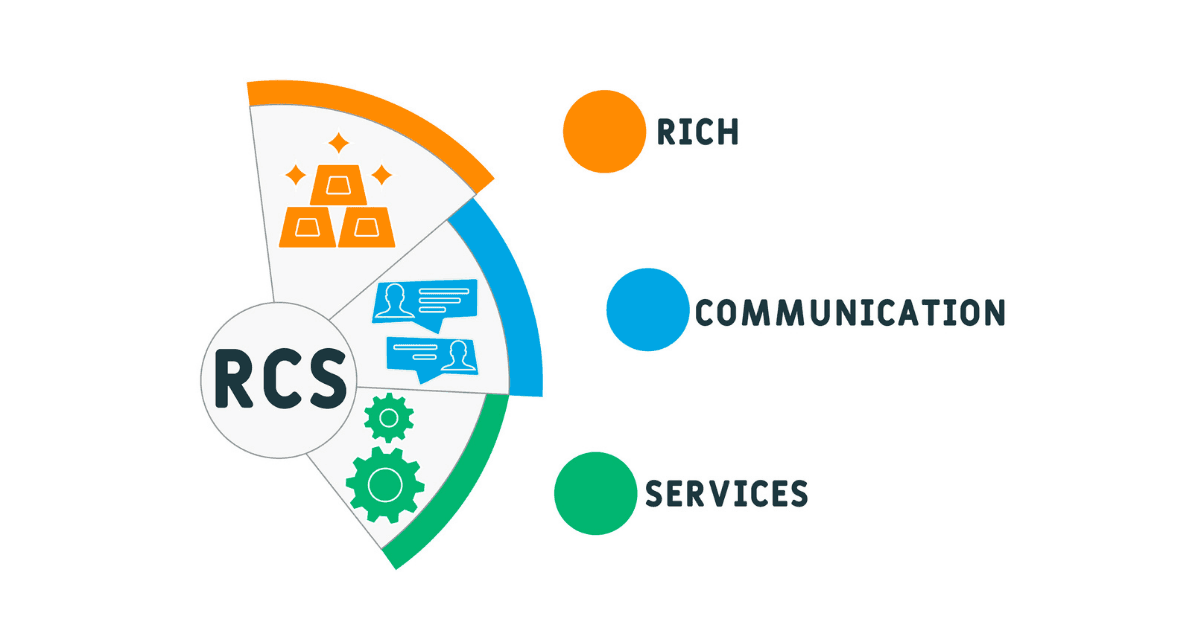
RCS stands for Rich Communication Services. Think of it as the upgrade to plain texting. It works inside the same messaging app your supporters already use, but it can carry the things SMS never could: sharp photos and video, tappable buttons, your logo and verified name, read receipts, and typing indicators.
One customer described it better than we ever have. On a recent call, a faith-based fundraiser called RCS "like your own certified bubble." ⚠ (verbatim customer quote — confirm OK to use.) That's the idea. Your message shows up as you — verified, branded, trusted — instead of a random number people are trained to ignore.
If a supporter's phone doesn't support RCS yet, the message simply falls back to SMS or MMS. Nobody gets left out.
RCS vs SMS: what's actually different
A lot of nonprofits ask the same thing a customer asked us recently: "are your messages going out as SMS, or, if you're an Apple person, are you getting them in the green bubble or the blue bubble?" ⚠ (verbatim customer question — good FAQ fodder). Fair question. Here's the plain-English comparison.
| What you get | SMS / MMS | RCS |
|---|---|---|
| Photos & video | Compressed, low-res | High-resolution, in-thread |
| Who it's from | Just a phone number | Your verified name + logo |
| Buttons (Donate, RSVP, Sign Up) | Not available | Tappable, in the message |
| Read receipts & typing indicators | Not available | Yes |
| Reactions | Not available | Yes |
| Works over Wi-Fi | No (cellular only) | Yes (Wi-Fi or data) |
| If the phone can't show it | — | Falls back to SMS/MMS automatically |
The short version: SMS reaches everyone and always will. RCS makes the message richer for the growing number of supporters whose phones can show it, and quietly falls back to SMS for everyone else.
Why RCS works for nonprofits
Here's a customer I think about a lot. They're an animal sanctuary, and for a long time they did what most groups do: send a single photo of a pet over MMS and hope it landed. One dog. One cat. One shot at catching someone's attention.
The problem is that not every donor is a dog person, and not every donor is a cat person. A single image only works if it happens to be the right one for the person reading. Most of the time, it isn't.
Then they switched on RCS. They segmented their list by what people responded to, so dog people got dogs and cat people got cats. But the real unlock was the carousel: instead of one animal, they could open with three or four, each with its own story and its own ask, all in something you swipe through like anything else on your phone. One catches your eye, you swipe, the next one pulls you in. That little bit of curiosity is what gets someone to stop scrolling and actually give.
Participation went up significantly. Not because they shouted louder, but because they showed up with the right thing for the right person and gave them room to find the one that moved them.
That's what rich messaging is really for. The tech disappears, the swipe feels natural, and the person on the other end doesn't feel marketed to. They feel like someone finally sent them something meant for them.
A few reasons it lands for causes specifically:
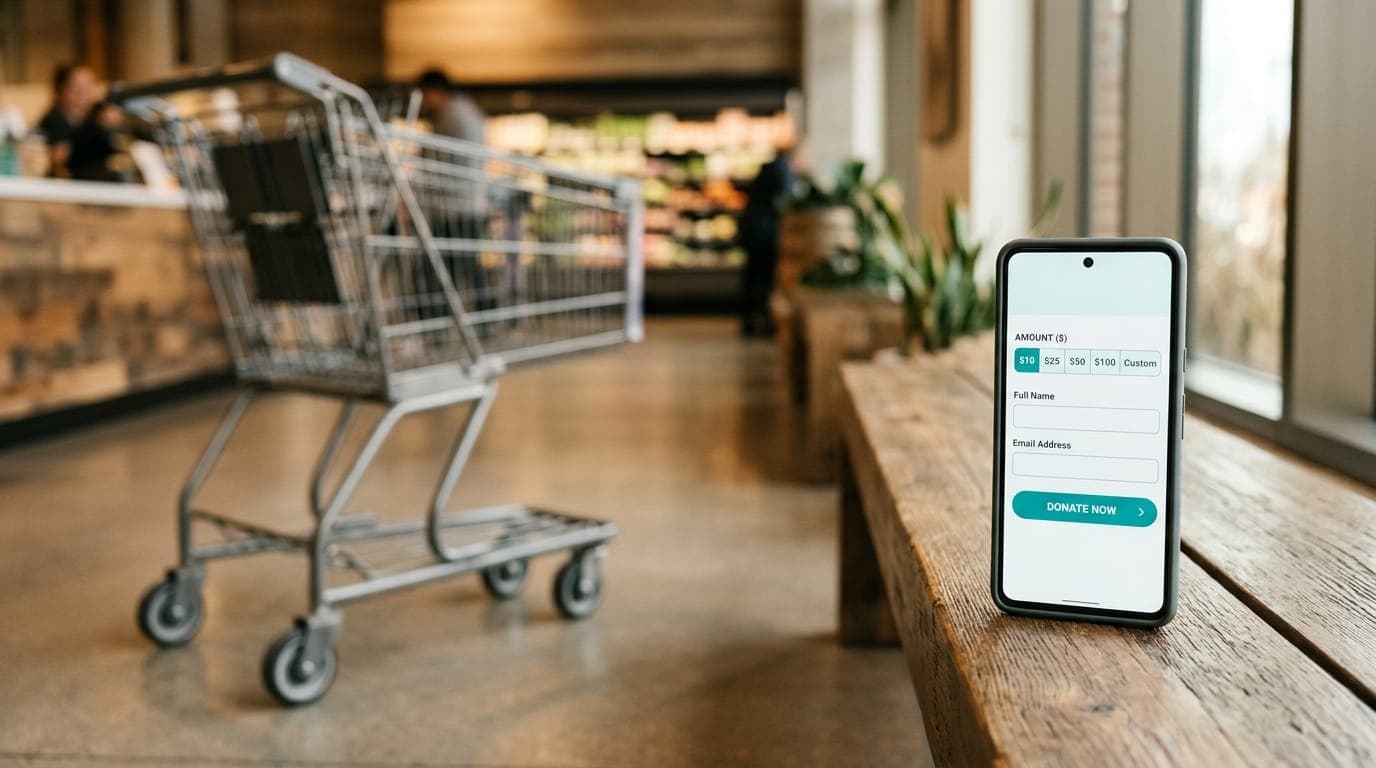
- One less chance to lose someone. A Donate button lives right inside the message, so a supporter never has to jump to a website and get distracted on the way.
- Trust on sight. Your verified name and logo show up instead of a mystery number. For donors who are careful about scams, that's everything.
- Stories that actually move people. A photo carousel or short impact video brings your mission to life in a way plain text can't.
- It meets people where they're at. No new app to download, no browser to open. It happens in the texting app that's already open all day.
Early data on RCS engagement is strong. Reported RCS click-through rates have reached around 36%, well above typical SMS (~10.5%) and email (2–5%), and roughly 82% of RCS messages are read within five minutes. ⚠ (Stats carried over from the prior version — confirm sources; 82% was attributed to Sinch. Flagging all four numbers.) One nonprofit saw about a 25% lift in donor conversions just by removing the need to leave the message. ⚠ (Confirm this customer stat / source.)
How nonprofits actually use RCS
- Text-to-give: a tap-to-donate button right in the thread. (See text-to-give and real donation text examples.)
- Event promotion: event art, an RSVP button, and directions in one message.
- Volunteer recruiting: shift details with tap-to-accept buttons, no app-switching.
- Campaign updates: image carousels and video that show progress in real time.
- Thank-yous and stewardship: a branded message with an impact photo or a short video from the people your donors helped.
Keep it human (and permission-based)
Richer doesn't mean noisier. The fastest way to waste RCS is to treat it like a megaphone. One arts leader put it perfectly: when we talked about not spamming supporters, she said, "that's not what the arts are about." ⚠ (verbatim customer quote — confirm OK to use, unattributed.) That's the whole philosophy. You're not in the business of irritating the people who believe in your mission.
So keep RCS opt-in, send less and mean it more, and make every message worth the buzz. The richest message in the world still has to connect before it can convert.
This is not legal advice — consult counsel for your specific situation. Like all texting in the U.S., RCS still runs on permission. The same rules that govern SMS (TCPA, carrier A2P 10DLC registration, clear opt-out) apply, and verified sender profiles go through their own approval. A good platform handles that heavy lifting so you can stay compliant without becoming a lawyer. See our plain-English guide to nonprofit texting compliance.
How to get started with RCS
- See it first. Send yourself a live RCS message so you know exactly what your donors will see.
- Start with SMS if you're new. RCS layers on top of a healthy texting program. New to texting? Begin with the text-messaging basics for nonprofits, then add rich features.
- Pick one moment. An event, an appeal, a Giving Tuesday push. Add a verified profile and one tappable button, and measure the difference.
- When you're ready, book a demo or get started with Rally.
RCS FAQ
What's the difference between RCS and SMS?
SMS is plain text and reaches every phone. RCS adds rich media, your verified name and logo, and tappable buttons inside the same texting app, and falls back to SMS automatically when a phone doesn't support it.
Do all phones support RCS?
Most modern Android phones do (through Google Messages), and Apple added RCS to the iPhone in iOS 18. ⚠ (Confirm iOS 18 reference.) Older phones simply receive your message as SMS/MMS.
Will an iPhone show RCS in a blue bubble or a green bubble?
Messages from a business or nonprofit to an iPhone still appear in a green bubble (like SMS/MMS), but with the rich features turned on — your verified name, media, and buttons.
Do supporters need to download an app?
No. RCS works in the default messaging app they already use. No app, no account.
Is RCS secure?
RCS supports enhanced security, including end-to-end encryption on supported one-to-one chats, which makes it well suited for donor communication. ⚠ (Confirm encryption claim phrasing.)
Can we use RCS for fundraising?
Yes. Rich media plus a one-tap donate button and a verified sender profile make RCS a strong fit for appeals, especially when paired with a warm, permission-based program.
See RCS on your own phone
The fastest way to understand RCS is to feel it. Send yourself a one-time live RCS demo from Rally — what your donors see, right in your own texting app. When you're ready to build your first campaign, let's talk.
About the Author

James Martin is founder of Rally Corp, helping nonprofits mobilize supporters with human-centered text messaging and mobile engagement. With 20+ years in marketing, he shares insights on the Your Rally Point Podcast and rallycorp.com.