What Is a vCard — and Why Your Nonprofit Should Always Send One


If you text supporters from a number they don’t recognize, there’s a good chance they ignore you.
They assume it’s spam.
They don’t know it’s you.
A vCard fixes that.
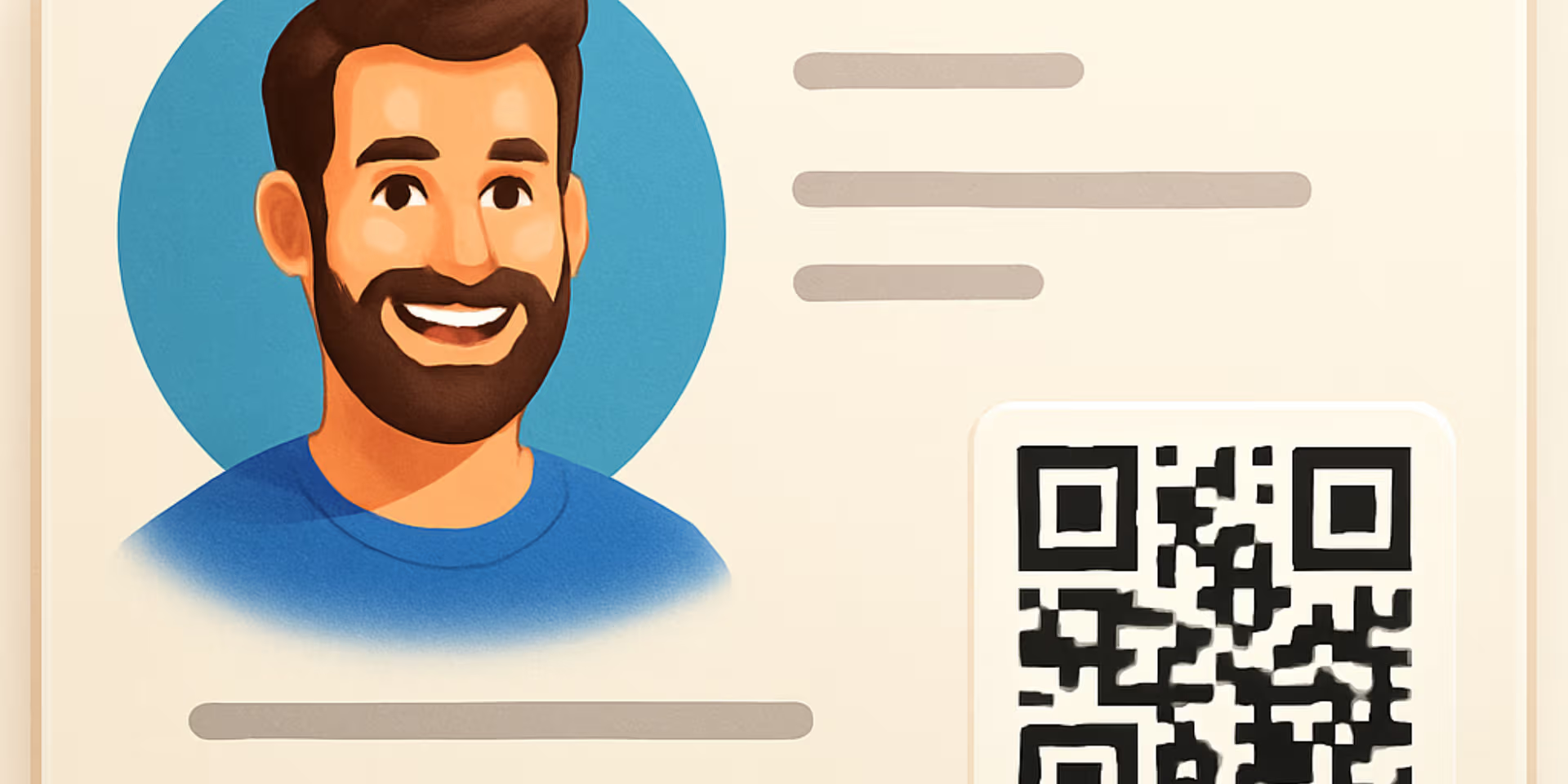
A vCard isn’t an app or a download. It’s simply your digital contact card that you can send to supporters so they can save your organization in their phone—name, number, logo, and all. Once saved, your texts and calls show up as a trusted contact instead of an unknown number.
In this post, I’ll break down in plain language:
- What a vCard actually is
- How it works with text messaging
- Why it matters for nonprofits
- Why you might not see anything “new” until someone saves it
- How to create your own vCard in a few minutes
What Is a vCard (in Plain English)?
A vCard (short for “virtual contact card”) is simply a digital contact file.
It can include:
- Name
- Phone number
- Organization name
- Website
- Address
- Logo or photo
When someone opens your vCard on their phone and taps Save Contact, your information is stored in their phone like any other contact.
No apps.
No forms.
No portals.
No manual typing.
It’s basically your digital business card, delivered by text message.
How a vCard Works with Your Text Messaging
Here’s the simple flow for you and your supporters:
- You create a vCard with your name, number, org, logo, etc.
- You send it by text (often as the first message you send a new contact).
- They tap the link, open the card, and hit “Save Contact.”
- From that point on, your texts and calls look like they’re coming from a saved contact—not a random number.
That last step is critical:
Until someone saves your vCard to their phone, nothing really looks different.
So when someone says:
“I sent a test text to myself, and I don’t see anything new or different than before.”
…it usually means they didn’t actually save the contact. They opened it, maybe previewed it, but didn’t complete the Save step.
Pro Tip: Use our Welcome Series Automation or Workflow template to automatically send this when a new contact signs up for your newsletter or makes a donation.
What Changes After They Save Your vCard?
Once a supporter saves your vCard, a few important things happen:
1. Your Number Becomes Recognizable
Instead of seeing an unknown number, they’ll see your name or organization when you text or call.
That alone:
- Increases trust
- Reduces “this must be spam” reactions
- Leads to more answered calls and replies
2. Your Contact Info Is One Tap Away
With one tap, they can:
- Call you
- Text you
- Visit your website
- Email your team
- See your address or location
No digging through old emails. No trying to remember what that random number was for.
3. You Look More Legitimate and Professional
Perception matters:
- Donors want to know who is contacting them.
- Staff and volunteers want clarity and trust.
Once saved, your messages look more human, not automated or spammy.
Important for iPhone Users
With recent iOS message filtering changes, nonprofit texts from unknown numbers are increasingly at risk of being filtered or sent to spam folders.
Sending a vCard helps your number appear as a trusted, recognizable contact — which greatly improves deliverability and ensures your messages land where supporters will actually see them.
Learn more about the iOS changes and how they impact nonprofits here.
Why Nonprofits (Especially) Should Use vCards
If you’re a nonprofit, here’s your reality:
- You text people who may not have your number saved.
- You ask for time, money, or action.
- You compete with spam, scams, and political messaging in the same inbox.
A vCard helps you:
- Stand out from unknown numbers
- Build trust before the ask
- Make sure your calls and messages are less likely to be ignored
Paired with the new iOS message filtering changes, tools like vCards and good sender reputation matter more than ever.
“What Is a vCard and Why Do I Need One?”
Let’s answer this the way your users are actually asking it:
What is a vCard?
A vCard is a digital contact card you can text to someone so they can save your organization in their phone—name, number, logo, and all.
Why do I need one?
Because if your number shows up as “Unknown,” people ignore you. A vCard turns your unknown number into a recognized contact. That leads to more opens, more callbacks, and more engagement.
Pros and Cons of Using a vCard
Here’s a simple breakdown:
Pros
- Simple and universal — Works on iPhone, Android, and most contact apps.
- No app required — Your supporters don’t need to install anything.
- Brand visibility — Your name (and logo, where supported) show once saved.
- Faster follow-up — Supporters can call or text back with one tap.
- Great first impression — Looks polished and professional, not spammy.
Cons
- They must save it — If the supporter doesn’t tap “Save Contact,” nothing changes.
- Device behavior can vary — Some phones show logos, others show only name and number.
- Analytics aren’t included by default — If you want to track who saves your vCard, talk with your Rally Corp account rep about your tracking options.
Common Questions We Hear (and Clear Answers)
“I sent a test text. Why don’t I see anything new?”
Because you probably didn’t save the vCard.
Think of it like someone texting you their contact:
- You get the card
- You tap Save
- Only then does your phone recognize them
Your vCard works the same way.
“Does this change Caller ID?”
A vCard helps your name and details show when someone has you saved as a contact.
If you want your name to show even before someone saves you, that’s a different process involving carriers and CNAM.
Contact your Rally Corp account manager or support for help setting this up.
We recommend using both:
- vCard: Helps you show up as a saved contact
- Caller ID: Helps your number show up when calling even if you’re not saved yet
How to Create a vCard with Rally (or SmartTexting)
You don’t have to mess with .vcf files or file formats. We’ve made this simple.
For Nonprofits
You can:
- Add your organization name
- Choose the number you want people to save
- Add a logo and address
- Include a website link
Then you’re ready to start sending.
For Businesses / Everyone Else
https://vcard.smarttexting.com/
Same process—just tailored for business use cases.
Best Practices When Sending Your vCard
A few tips to get the most out of it:
Send it early
Include your vCard in the very first message you send a new contact.
Tell them what it is
Add a simple line like:
“Here’s our digital contact card. Tap to save us so you’ll recognize our texts and calls.”
Re-send occasionally
Volunteers, donors, VIP lists, board members — send it again if info has changed.
Pair with good messaging practices
A vCard doesn’t fix bad sending. You still need:
- Permission-based texting
- Clear opt-out language
- Human messages
For more on staying out of spam and adapting to Apple’s changes, read this article here.
Putting It All Together
If you remember nothing else, remember this:
A vCard turns your phone number into a trusted contact in your supporter’s phone.
Instead of “Who is this?” your texts and calls show up with your name, logo, and details. That’s a small step that has a big impact on:
- Answer rates
- Reply rates
- Donor and volunteer trust
If your nonprofit is already texting, you’re leaving trust (and results) on the table if you’re not sending a vCard.
Ready to Create Your vCard?
For nonprofits using Rally Corp:
For businesses and everyone else using SmartTexting:
https://vcard.smarttexting.com/
If you’re not sure how to roll this out to your list or want help pairing your vCard with better messaging and mobile strategy, reach out to our team—we’re happy to walk you through it.
About the Author

James Martin is founder of Rally Corp, helping nonprofits mobilize supporters with human-centered text messaging and mobile engagement. With 20+ years in marketing, he shares insights on the Your Rally Point Podcast and rallycorp.com.