Tips for Volunteer Coordinators: How to Organize, Engage, and Retain Volunteers


Tips for Volunteer Coordinators: How to Organize, Engage, and Retain Volunteers
Modern volunteer coordination depends on clear processes plus the right tools—including mobile texting platforms like Rally Corp—to manage communication, scheduling, and follow-up effectively. This article provides tips for volunteer coordinators to help you streamline your efforts and maximize your impact.
This guide is designed for volunteer coordinators, nonprofit staff, and anyone managing volunteers. It covers practical tips for organizing, engaging, and retaining volunteers, offering actionable strategies to improve your volunteer program. Mastering these skills is essential—not only to enhance the volunteer experience but also to drive your organization’s mission forward and increase its overall impact.
Key Takeaways
- Modern volunteer coordination depends on clear processes plus the right tools—including mobile texting platforms like Rally Corp—to manage communication, scheduling, and follow-up effectively.
- Strong volunteer programs are built on respect, clarity, and feedback, not just filling shifts with warm bodies.
- Tracking data like volunteer hours, show-up rates, and response times helps coordinators improve recruitment, retention, and demonstrate organizational impact to funders.
- Small improvements—like confirming shifts by SMS or sending quick thank-you messages after events—can dramatically boost volunteer engagement and satisfaction.
- The role has evolved significantly post-2020, requiring coordinators to master hybrid opportunities, digital sign-ups, and mobile-first communication to keep volunteers involved and mission moving forward.
Understanding the Volunteer Coordinator Role
A volunteer coordinator is the bridge between volunteers, staff, and the community. Think of coordinating 150 volunteers for a 5K charity run in May 2025: someone has to recruit the right people, assign them to water stations and finish line duties, train them on safety protocols, communicate parking instructions, and follow up afterward to thank them and capture their hours. That person is the coordinator—and their job determines whether the event feels seamless or chaotic.
The core responsibilities span the entire volunteer lifecycle. Coordinators handle recruitment, screening new applicants, scheduling shifts, training volunteers on their specific duties, managing day-to-day communication, resolving conflicts when they arise, and reporting hours served and volunteer impact to leadership and funders. It’s a role that touches every part of how an organization mobilizes passionate supporters to accomplish its mission.
The job has evolved dramatically with digital tools. Online registration forms, SMS reminders, QR codes for quick sign-ups, and hybrid opportunities like virtual tutoring or remote admin work are now standard. This shift means coordinators need to be comfortable with technology—but it also means they have powerful ways to save time on repetitive tasks and focus on what matters: building relationships with their volunteer community.
In many small nonprofit organizations, the coordinator may be part-time or wear multiple hats (perhaps also handling events or donor relations). This reality makes systems and automation essential to avoid burnout. Without the right tools, even the most dedicated person will struggle to keep up with scheduling processes, follow-ups, and data entry.
The main outcomes coordinators are accountable for boil down to three things: filled shifts with the right people in the right roles, satisfied volunteers who return again and again, and consistent program delivery that advances the organization’s goals.
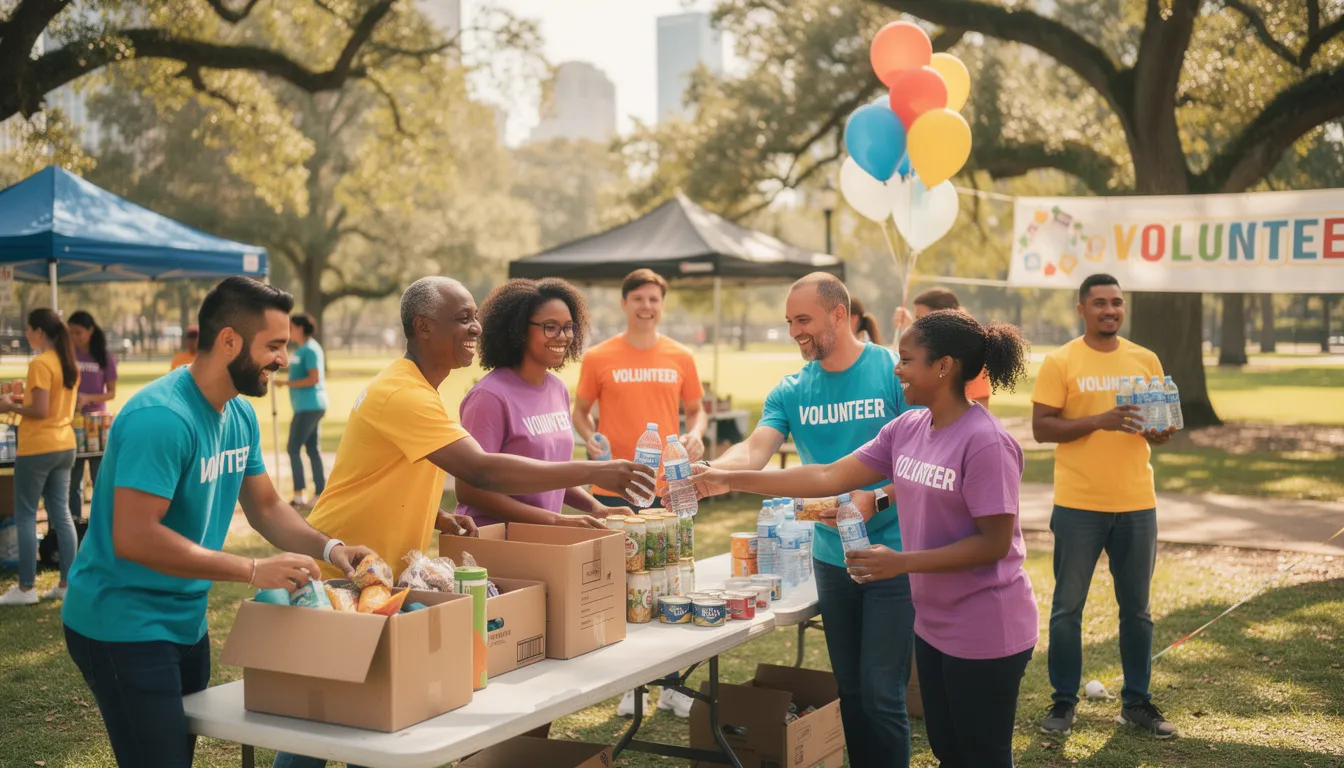
Tip 1: Get Your Volunteer Strategy and Structure in Place
Ad-hoc volunteer coordination leads to last-minute scrambles and no-shows. You’ve seen it: frantic texts the morning of an event, gaps in coverage, and exhausted staff trying to fill holes themselves. Structure is the antidote.
Start by building a simple annual volunteer strategy tied to your organization’s calendar. Map out your major events and campaigns—maybe a spring gala in April, a back-to-school supply drive in August, and a year-end giving campaign in November. For each, estimate how many volunteers you’ll need and what types of roles are required. This forward-looking approach transforms the recruitment process from reactive scrambling to proactive planning.
Define 4-6 recurring volunteer roles with clear responsibilities. For example:
Role | Primary Tasks | Typical Time Commitment |
|---|---|---|
Event Setup Crew | Arranging tables, signage, equipment | 2-3 hours before events |
Check-In Team | Welcoming guests, managing registration | During event hours |
Phone Outreach | Calling donors or community members | 1-2 hours weekly, remote |
Social Media Helpers | Capturing photos, posting updates | During events + 30 min after |
Data Entry | Updating records, logging volunteer hours | 2 hours weekly, remote |
Welcome Ambassadors | Greeting new volunteers, answering questions | Ongoing as needed—for more information on how you can integrate Rally with your existing fundraising platform and CRM, visit our integrations page. |
Create a written “volunteer promise” that explains what volunteers can expect from you (support, clear communication cadence, recognition for their efforts) and what you expect from them (reliability, respect for policies, notice when they can’t attend). This mutual agreement sets the right foot for every relationship. |
Finally, assign ownership by phase—recruitment, onboarding, scheduling, stewardship—even if it’s just one person wearing all hats. Naming each phase explicitly ensures nothing falls through the cracks when things get busy.
Tip 2: Clarify Roles, Expectations, and Boundaries
Clarity is the foundation of effective volunteer management. When volunteers arrive at a food pantry shift unsure what they’re supposed to do, confusion breeds frustration. Some stand around awkwardly. Others overstep and create problems. Either way, they’re less likely to return.
Write one-page role descriptions for every volunteer position. Each should include:
What to include in role descriptions:
- Purpose of the role: Why this job matters to the mission
- Key tasks: Specific duties they’ll perform
- Time commitment: “2 hours on the 1st and 3rd Saturday of each month”
- Required skills or training: Any prerequisites before starting
- Supervisor contact info: Who to reach with questions
Purposeful placement involves writing detailed role descriptions specifying tasks, time commitments, and required skills.
Equally important: specify what volunteers are not expected to do. For instance, a volunteer greeter shouldn’t be asked to make fundraising asks, transport clients, or handle cash unless they’ve been specifically trained and vetted for those responsibilities. Setting boundaries protects both the volunteers and the organization from liability.
Code of conduct and safety policy examples:
- Photo consent (can you post their picture on social media?)
- Confidentiality around client information
- Health guidelines during flu season
Include a basic code of conduct and safety policies in your onboarding materials. Real-world examples include photo consent (can you post their picture on social media?), confidentiality around client information, and health guidelines during flu season. These important documents prevent misunderstandings before they happen.
Revisit and update role descriptions at least once a year or after major events. When you make changes, share updates both by email and text for maximum reach. Many volunteers skim emails but immediately read texts—meeting them where they are shows respect for their volunteer time.
Tip 3: Communicate Clearly and Often (Especially on Mobile)
Volunteers cannot succeed without timely, two-way communication. And here’s the uncomfortable truth: email open rates alone are no longer enough. The average nonprofit email sits at 20-25% open rates. That means three out of four volunteers might miss your shift reminder entirely.
Modern volunteer engagement requires a multi-channel approach. Build a simple communication plan that mixes channels: email for detailed information (orientation packets, policy updates), Rally Corp SMS/MMS for reminders and quick updates, and in-person huddles before events for last-minute instructions and team building.
Text messaging shines for specific use cases:
- Day-before shift reminders: “Hi Sarah! Quick reminder: your shift at the food bank is tomorrow at 9 AM. Reply YES to confirm or HELP if you need to reschedule.”
- Weather updates for outdoor events: “Rain expected tomorrow—bring an umbrella and we’ll have a covered area for check-in!”
- Directions and parking info: “Park in Lot B behind the church. Enter through the side door marked ‘Volunteers.’”
- Post-event thank-you messages with a photo or short video from the day
Keyword-driven texting can automate your recruitment process. Place flyers around the community that say “Text VOLUNTEER to 55555 to join our team.” When someone texts that keyword, Rally Corp routes them into an automated flow that captures their interest, sends next steps, and adds them to your volunteer profiles in your system.
A practical communication timeline for each shift:
- Initial confirmation: When they sign up
- 72-hour reminder: Three days before the shift
- 24-hour reminder: The day before
- Follow-up: “How did it go?” text within 48 hours
This rhythm keeps volunteers informed without overwhelming them, and if you're looking to transition some of your communication from email to text messages, here’s a guide on how to convert email subscribers to text messages.

Tip 4: Streamline Recruitment, Onboarding, and Scheduling
Messy recruitment and onboarding waste the energy of interested volunteers and frustrate staff. Someone raises their hand to help, then waits two weeks to hear back. By then, their enthusiasm has faded. They move on.
Use a single, simple digital intake form to collect volunteer information: contact details, skills and interests, availability, and communication preferences. Link this form via QR code at events, a Rally Corp shortlink in texts and social posts, or a prominent button on your website. One form, multiple access points.
Matching volunteers to tasks that align with their skills and interests increases engagement and satisfaction.
Build a standard onboarding sequence that fires automatically or within 48 hours of signup:
- Welcome message thanking them for their interest
- Link to a short orientation video (keep it under 10 minutes)
- Digital handbook covering policies, safety, and FAQs
- First shift sign-up link with available volunteer opportunities
Offer flexible opportunities to meet new volunteers where they are. Not everyone can commit to recurring Saturday shifts. Consider:
- One-time events: Galas, drives, community days
- Micro-volunteering: 30-minute phone calls, short translation tasks, data cleanup
- Remote roles: Social media support, grant research, phone banking
- Family-friendly shifts: Activities where parents can bring kids
Reduce no-shows with clear instructions, maps, texting reminders from Rally Corp, and quick response options like “Reply LATE if you’re running behind” or “Reply CANCEL if you can’t make it.” These simple touches respect volunteer time while helping you plan around gaps.
Tip 5: Use the Right Tools to Save Time (Including Texting)
Many coordinators are still juggling spreadsheets, paper sign-in sheets, and long email threads. This approach works when you have 15-20 current volunteers. It becomes unmanageable above 50 active volunteers—and completely unsustainable beyond 100.
Using a centralized volunteer management system can simplify coordination and improve volunteer engagement.
Volunteer management software can centralize everything: volunteer profiles, schedules, hours served, waivers, and reports for your executive director and board. These platforms reduce the manual coordination efforts that eat up your week and help you identify ways to improve your program over time.
A mobile engagement platform like Rally Corp complements your management system by handling the communication layer. SMS/MMS broadcasts reach volunteers instantly. Keyword campaigns (like “Text HELP to join our food bank team”) automate initial outreach. Ringless voicemail lets you leave personal messages without interrupting someone’s day. Two-way messaging means volunteers can text back questions and get answers quickly.
Concrete use cases where Rally Corp adds value:
Need | Solution |
|---|---|
Capturing new volunteer interest at events | QR codes linked to Rally Corp intake flows |
Last-minute shift coverage | SMS broadcast to available volunteers |
Post-event donations from volunteers | Tap-to-give NFC tags at campaign events |
Tracking engagement metrics | Response rates, shortlink clicks, opt-in growth |
The goal with any tool is to reduce manual work, not create more complexity. If a system requires hours of training or constant maintenance, it’s not solving your problem. The right tools should feel like they’re working for you, not the other way around. |
Tip 6: Train, Support, and Recognize Volunteers Consistently
Training and recognition directly impact retention. The difference between volunteers who stay for years and those who drop off after three months often comes down to how supported they felt early on. Dedicated volunteers become your program’s backbone—but only if you invest in them.
Recognizing and appreciating volunteers can significantly enhance their commitment to the organization.
A basic training pathway might look like this:
- General orientation: Mission overview, policies, safety basics
- Role-specific training: Detailed instructions for their volunteer position
- Shadowing: Pair them with an experienced volunteer for their first shift
- First shift debrief: Quick check-in afterward to answer questions and build confidence
Use short, mobile-friendly training materials—videos under 5 minutes, one-page PDF checklists, quick reference guides. Share these via SMS links so volunteers can review them on the go, right before their shift if needed.
Recognition doesn’t require big budgets. Simple, consistent acknowledgment matters more than elaborate gestures:
- Monthly “Volunteer Spotlight” in newsletters or on social media
- Public shout-outs at events for volunteers who went above and beyond
- Personal texts or ringless voicemails after big milestones (“You just hit 100 volunteer hours—thank you!”)
- Handwritten cards for people who reach a certain number of hours in a calendar year
Involve volunteers in feedback loops. Ask them what training content was helpful and what was confusing. Ask how they prefer to be recognized—some people love public praise, while retired people or others might prefer a quiet thank-you note. When your efforts match their preferences, recognition feels genuine rather than generic.
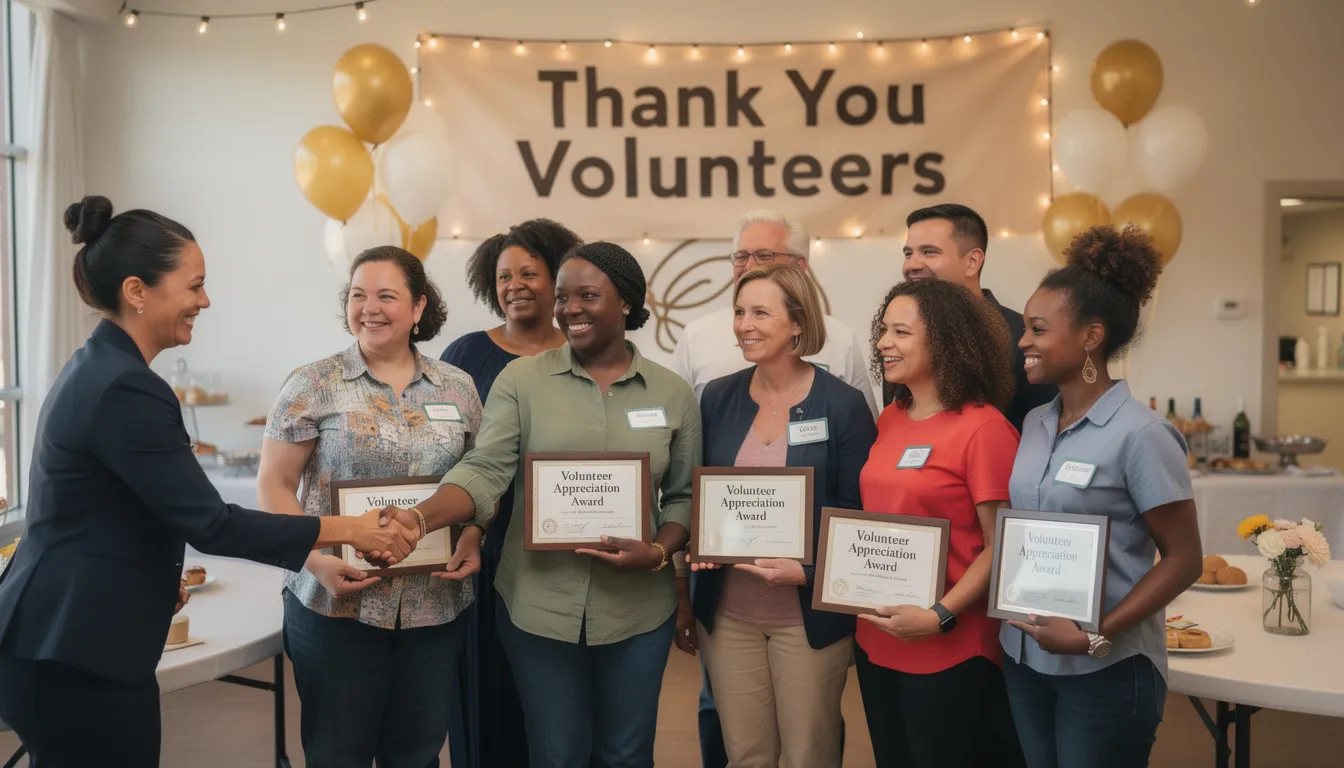
Tip 7: Measure Impact and Learn from Your Data
Data isn’t just for development teams and grant writers. Volunteer coordinators need basic key metrics to improve their programs, demonstrate volunteer impact, and make the case for resources to leadership and funders.
Track these indicators consistently:
Metric | Why It Matters |
|---|---|
Number of active volunteers | Shows program reach |
Hours served per month | Demonstrates estimated value of volunteer work |
Show-up vs. no-show rates | Identifies communication or scheduling issues |
Most popular roles | Helps focus recruitment efforts |
Recruitment sources | Reveals where your best volunteers come from |
Retention rate | Goal: above 70% annually. |
If you don’t have access to a full volunteer management software system, a well-maintained spreadsheet works. The key is consistent, accurate data entry at every event. Assign someone (or automate it) so tracking doesn’t fall through the cracks. |
Mobile tools like Rally Corp provide additional volunteer impact data: response rates to texts, click-through on shortlinks, and opt-in growth after large campaigns. These metrics help you understand what communication actually works versus what gets ignored.
Use data in practical ways:
- Adjust shift times that consistently underperform (if the 8 AM slot always has no-shows, maybe 9 AM is more realistic)
- Double down on successful recruitment channels (if most sign-ups come from a specific keyword campaign, invest more there)
- Build the case for more staff support or technology investment by showing leadership concrete numbers on organizational impact
Tip 8: Build a Healthy, Inclusive Volunteer Culture
Volunteer coordinators shape culture through every interaction—how they talk to volunteers, respond to problems, and handle feedback. Culture isn’t a poster on the wall. It’s what happens when things go wrong and how people feel when they leave.
Practices that foster belonging:
- Learn and use names (this seems obvious, but it’s transformative)
- Welcome new volunteers publicly at the start of shifts
- Pair new people with friendly “buddies” who can answer questions
- Create space for social connection, not just task completion
Inclusive practices expand your volunteer community and strengthen your mission:
- Offer roles for different abilities (seated tasks, remote options, varying physical demands)
- Provide language access where possible (bilingual materials, interpreters for orientations)
- Schedule around common barriers like childcare, transportation, and work shifts
- Avoid assuming everyone has reliable internet or a smartphone—offer alternatives
Gather input regularly through structured channels: short post-event surveys, quick SMS polls (“On a scale of 1-5, how was your experience today?”), or quarterly listening sessions. Close the loop by sharing what changed because of volunteer feedback. “You told us parking was confusing, so we added signs and a map” shows volunteers their voice matters.
Strong culture connects directly to fundraising outcomes. Volunteers who feel valued often become loyal donors and passionate supporters who advocate for your cause in their personal networks. Community building isn’t separate from your mission—it’s how you move your mission forward.
Integrating Mobile Engagement with Your Volunteer Program
Mobile engagement is now a “must-have” layer across all volunteering stages, not a separate project or nice-to-have. The organizations that thrive are those that meet people where they already are: on their phones.
Picture a one-day community event. Before the event, you promote sign-ups using Rally Corp keywords on flyers and social media: “Text HELP2025 to join our team.” The day of, new volunteers scan a QR code at the welcome table to complete registration instantly. The morning before shifts, everyone gets an SMS reminder with parking info. After the event wraps, volunteers receive a follow-up text with both a feedback survey link and an optional donate link for those inspired to support the cause financially.
This flow moves faster than email chains while staying personal and human-centered. SMS/MMS gets read. Ringless voicemail lets you express gratitude without interrupting dinner. Shortlinks track what people actually click.
If you’re currently relying mostly on email and direct mail, consider auditing how much of your volunteer communication actually gets opened. Then pilot at least one text-based workflow for your next major volunteer initiative. Start small: maybe just shift reminders. See what happens to your no-show rates.
If you’re ready to explore what mobile engagement could do for your volunteer program, Rally Corp offers the tools to make it happen—without adding complexity to your already full plate.
FAQ for Volunteer Coordinators
How many volunteers can one coordinator realistically manage?
It depends on program complexity, but general benchmarks suggest one coordinator can effectively manage 50-100 active volunteers with good systems in place. Programs with simple, recurring roles (like weekly food pantry shifts) can scale higher—up to 150-200 volunteers per coordinator. Programs with complex scheduling, extensive training requirements, or high-touch relationships (mentoring programs, for example) may cap closer to 40-50. When you’re spending more time on administrative tasks than relationship-building, that’s a signal you need better tools or additional support.
What should I do when a volunteer repeatedly cancels last minute?
Have a direct, compassionate conversation. Sometimes life circumstances change and they need to step back temporarily. Other times, the role isn’t a good fit and they’re avoiding it rather than saying so. Ask open-ended questions: “I’ve noticed you’ve had to cancel a few times recently. Is everything okay? Is there a different role or time that might work better for you?” If the pattern continues after the conversation, it’s appropriate to pause their involvement and invite them to re-engage when their schedule stabilizes. Setting boundaries protects your program and other volunteers who depend on reliable coverage.
How can I get board and leadership buy-in for better volunteer tools?
Speak their language: impact and efficiency. Calculate the estimated value of volunteer hours (the Independent Sector values volunteer time at around $24 per hour) and show how better tools could increase retention, reduce no-shows, or expand capacity. Present a specific problem with a concrete solution: “We had a 35% no-show rate last quarter. Text reminders could cut that by half based on industry data. Here’s a platform that costs $X per year.” Frame technology as an investment in mission capacity, not an administrative expense.
What’s an easy first step to start using texting in my volunteer program?
Start with shift reminders. Set up a simple workflow where volunteers receive a text 24 hours before their scheduled shift with key details (time, location, what to bring). Track your no-show rate before and after implementing reminders—you’ll likely see a measurable improvement within one or two events. Once that’s working, expand to post-event thank-you texts and keyword-based signups. Rally Corp makes this straightforward with templates and automation that don’t require technical expertise.
How do I handle concerns about texting—won’t volunteers feel overwhelmed or see it as spam?
Permission-based best practices are essential. Only text people who have opted in. Make opting out easy (include “Reply STOP to unsubscribe” in every message). Keep messages relevant and spaced appropriately—no one needs five texts in a week unless something urgent is happening. When volunteers understand that texts are timely, useful, and respectful of their attention, most actually prefer them to email. The key is earning attention rather than demanding it. If you wouldn’t appreciate receiving the message yourself, don’t send it.
Even small improvements in volunteer coordination and communication have outsized effects on volunteer experience and mission impact. You don’t have to overhaul everything at once. Pick one tip from this list, implement it well, and build from there. Your volunteers—and your cause—will thank you for it.
About the Author

James Martin is founder of Rally Corp, helping nonprofits mobilize supporters with human-centered text messaging and mobile engagement. With 20+ years in marketing, he shares insights on the Your Rally Point Podcast and rallycorp.com.